
What Good Suit Product Photos Should Show
Show fit, color, texture and movement clearly enough for online buyers to judge the garment.
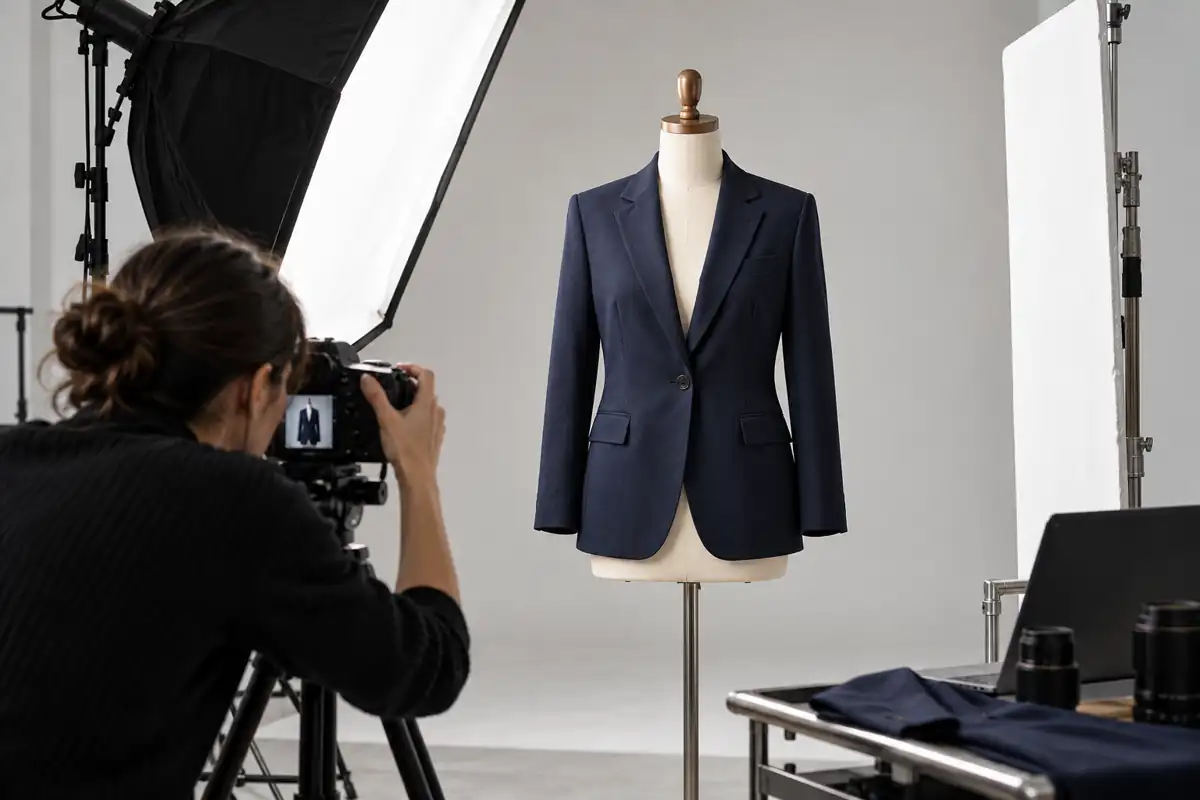
Photos stand in for in-person inspection
Online shoppers cannot touch the cloth, see the lining or look at the back in a mirror. Images must communicate silhouette, color, texture and use.
Use the main image for the entire silhouette
Allow space around the garment and avoid cropping shoulders, hems or sleeves. A simple background makes length, waist and trouser shape easier to see.
Include side and rear views
The side shows chest-to-waist shape and vent behavior. The back shows ease over the shoulder blades, the center seam and the hem.
Give close-ups a sense of scale
Show lapels, buttons, pockets and cloth texture close enough to see, with context for their size and position.
Keep color consistent
White balance, screens and reflected light can shift navy toward bright blue or black. Use a color reference and check on different displays.
Show movement on the model
Sitting, reaching and walking can demonstrate ease. Poses should reveal rather than disguise pulling, creases or length.
Check the limits of a photograph
Review overall shape, scaled details and motion together. Cloth, body proportions and lighting affect what the viewer sees.
Compare photos with the physical garment
Check the outline from afar, inspect the materials close up and test the garment in motion.
Give customers usable evidence
Show the garment honestly to give buyers some of the confidence of an in-store examination.
Five Model Measurements and Fit Details to Look For When Buying a Suit Online →
From Search to Checkout: What Businesswear Shoppers Need to Know →